Step 2 of 4 · Health
Sleep, steps and heart-rate, tested
Your watch can show useful patterns in heart-rate and sleep. It cannot diagnose anything. Here is how we test the health features, and how to use them calmly.
What a wrist can and cannot tell you
A smartwatch is a wellness tool, not a medical device in the way a clinic thermometer or blood-pressure cuff is. It reads light bouncing off the skin to estimate heart-rate, uses motion to guess when you are asleep and combines the two into scores.
Some features, such as ECG apps on Apple Watch, Samsung Galaxy Watch, Google Pixel Watch, Fitbit and Withings ScanWatch, have regulatory clearance in certain regions. Availability depends on your country, and a feature may be switched off elsewhere, so check the brand's local page before you rely on it. Whatever the watch says, speak to a doctor or pharmacist about symptoms, medication or anything that worries you.
Please note: this page is general information, not medical advice.
Heart-rate: look at the trend
Resting heart-rate is the most useful number. Check it over weeks, ideally first thing in the morning, rather than reacting to a single reading. A gradual drop often follows regular exercise, while a sustained rise can come with stress, poor sleep, alcohol, illness or a hot week.
We test high and low heart-rate alerts and irregular rhythm notifications for clarity: is the wording calm, does it explain what to do next, and can you adjust the threshold? Heart-rate variability, or HRV, is offered by Garmin, Fitbit, Samsung and Apple. Treat it as a personal baseline, because values differ widely between people and only your own changes mean much.
Sleep tracking, judged at 3 a.m.
We wear each watch for at least two weeks and keep a short diary: when we fell asleep, how often we woke and how rested we felt. Sleep stages from a wrist are estimates, so we pay more attention to total time, bedtime consistency and whether the watch notices a restless night.
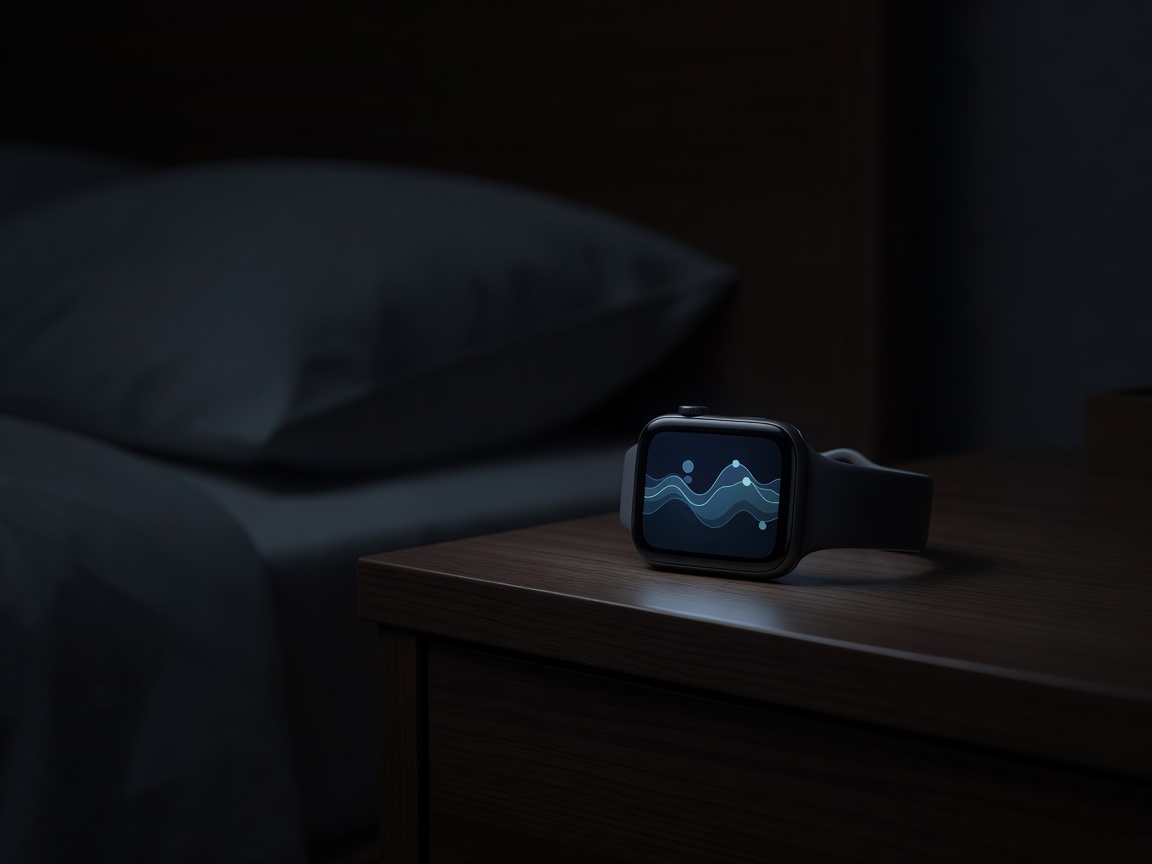
Comfort decides success. A heavy case, hard strap or bright always-on display will make you take the watch off, and a watch you do not wear tracks nothing. Look for a slim case, a soft strap, a dim bedside mode and a charging routine that does not clash with bedtime. Features such as Fitbit's Sleep Score, Garmin's Body Battery and Apple's sleep stages are good prompts to adjust habits, such as an earlier bedtime or a lighter evening.
Temperature, oxygen and stress
Skin temperature, blood-oxygen (SpO2) and stress scores are the least precise features. They suit trends: how this week compares with last. Fit matters. Wear the watch snugly, about one finger above the wrist bone, and keep the sensor clean.
Expect lower accuracy with tattoos, cold hands or when the strap slips, and note that very dark or very light skin tones can affect optical readings. We praise brands that explain these limits plainly, and we mark down any that present estimates as certainty.
Safety features worth having
Fall and crash detection
Offered on newer Apple Watch and Pixel Watch models, and on several Galaxy Watch models. Check the settings so it suits your age and activity.
Emergency SOS
Cellular models can call for help without a phone nearby. Confirm emergency calling support in your country first.
Bedside mode
A dim, quiet mode keeps sleep tracking comfortable and stops the screen waking you.