Step 4 of 4 · Compatibility
Phone match and app support
The best watch on paper is useless if it only half-works with your phone. Check the match first, then judge the companion app you will open every day.
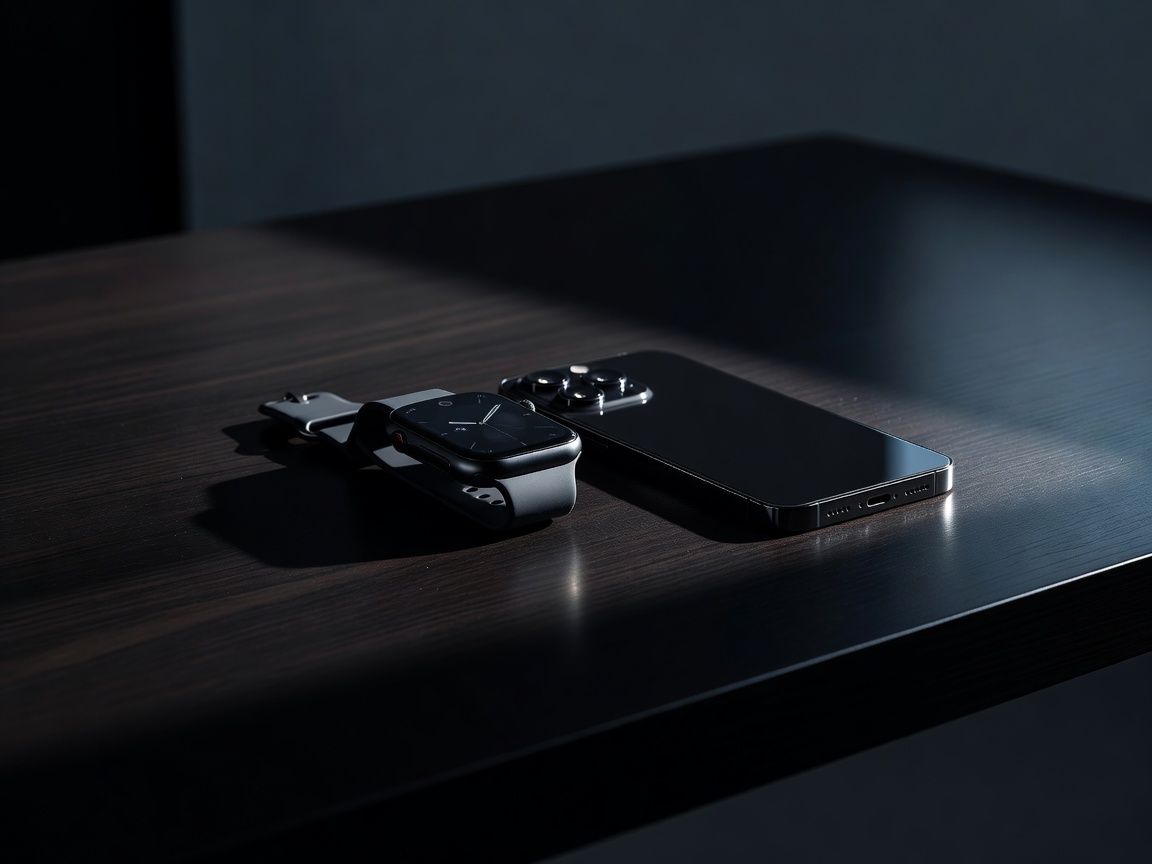
Phone first, always
Apple Watch works only with iPhone. There is no supported way to use it with Android. Samsung Galaxy Watch and Google Pixel Watch are designed for Android phones, and Wear OS watches in general need Android. Some Galaxy Watch features, such as certain health sensors, work best or only with a Samsung phone, so read the small print.
Brands that cross the divide include Garmin, Polar, Coros, Amazfit, Withings and Fitbit, which work with both iPhone and Android through their own apps. One caution: on an iPhone, third-party watches have limited ability to reply to messages or act on notifications compared with an Apple Watch. If rich messaging matters to you, this is worth testing before you commit.
The companion app is half the product
You will spend more time in the app than staring at the watch. Apple Health and Fitness, Samsung Health, the Fitbit app, Garmin Connect, Polar Flow, the Coros app and Zepp for Amazfit each organise data differently. We judge them on how quickly you can find a trend, how clearly charts are labelled, and whether tips feel helpful or pushy.
Also check which features sit behind a subscription. Some brands offer optional paid tiers for deeper insights or guided workouts. The watch should be genuinely useful without them, and you should know what you are being offered before you pay.
Keep your data portable
Years of workouts and sleep data are worth protecting. On iPhone, Apple's HealthKit lets approved apps share data. On Android, Health Connect fills a similar role. Sports platforms such as Strava, TrainingPeaks and Komoot connect to most major watches, which makes it easier to switch brands later.
Look for export options in common formats such as FIT and GPX files for workouts. A brand that lets you leave easily is usually a brand confident in its product.
Payments, music and cellular
Contactless payments are handy, but support varies. Apple Pay and Google Wallet work on their respective watches, Garmin Pay and Samsung Wallet support depends on your bank and country. Check your bank is on the list before you buy.
For music, look for offline playlists through Spotify or other services if you want to run without a phone. Cellular models add an eSIM and a monthly plan from your mobile carrier, so confirm your carrier supports your chosen watch. If you rarely leave your phone behind, a Bluetooth-only model is cheaper and lasts longer between charges.
Software support and longevity
Update record
Check how long the brand has supported earlier models with new software and security fixes.
Repair and straps
Standard strap fittings and replaceable batteries extend a watch's useful life.
Phone upgrades
If you may switch between iPhone and Android, pick a brand that works with both.